

Flux AI Review: An All-in-One Platform for AI Image, Editing, and Video Creation
AI Software | Editor: Sandy Flux AI is an all-in-one platform that combines AI image generation, image editing, and video creation into a single workflow. For u
AI Software | Editor: Sandy Flux AI is an all-in-one platform that combines AI image generation, image editing, and video creation into a single workflow. For u
AI Software | Editor: Sandy
Flux AI is an all-in-one platform that combines AI image generation, image editing, and video creation into a single workflow. For users who constantly switch between multiple tools and models, it addresses a clear pain point: completing the entire process—from generation to editing to video output—within one unified environment. Rather than focusing on a single capability, Flux AI positions itself as a comprehensive solution for visual content creation.
👉 Website: https://flux-ai.io/
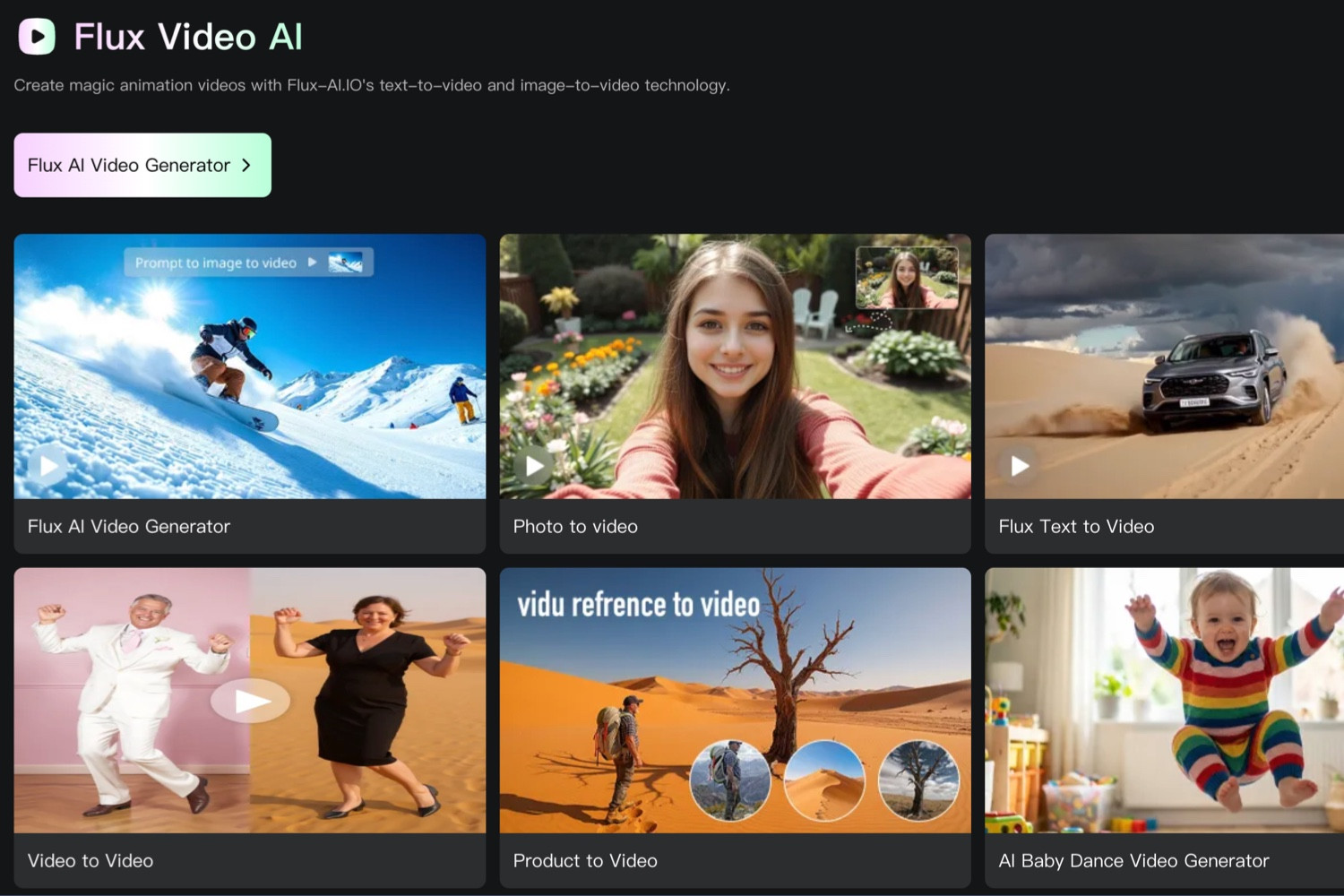
Flux AI is best understood as an AI-powered visual creation SaaS platform rather than a standalone tool or plugin. At its core, it integrates multiple capabilities, including text-to-image generation, image-to-image transformation, advanced editing via Flux Kontext, text-to-video, image-to-video, and a suite of task-specific tools.
These tools cover a wide range of use cases such as AI avatars, product photography, virtual try-ons, old photo restoration, background replacement, and object removal. The platform is structured into categories like Image AI, Video AI, Flux Kontext applications, and free tools—highlighting its ambition to serve as a centralized hub for creative workflows.
In addition, Flux AI supports multiple underlying models, including Flux.1 Schnell, Flux.1 Dev, Flux.1 Pro, Flux Kontext Pro/Max, as well as integrations like Seedream, Imagen 4, and Recraft. This allows users to balance speed, cost, and output quality depending on their needs.
One of Flux AI’s core strengths is its multi-model image generation system. Users can choose between faster models for quick drafts and higher-quality models for final outputs. This flexibility is especially useful for teams that need to iterate quickly before producing polished visuals.
Another major feature is its image editing capability, powered by Flux Kontext. Beyond basic generation, the platform emphasizes post-processing workflows such as background replacement, object removal, photo restoration, colorization, and ID photo generation. This makes it particularly relevant for users working with existing visual assets rather than starting from scratch.
Flux AI also includes video generation tools, supporting text-to-video, image-to-video, and video-to-video transformations, along with AI-driven visual effects. This expands its scope beyond static images and enables users to create short-form video content within the same platform.
Additionally, the platform offers task-oriented tools designed around real-world use cases. Features like AI avatars, product photography, virtual try-ons, hairstyle simulation, anime-style generation, and poster creation simplify complex workflows into accessible entry points, especially for non-technical users.
Flux AI is particularly well-suited for users who frequently produce visual content. Content creators and social media managers can use it to generate thumbnails, character visuals, memes, promotional graphics, and even short video clips.
For e-commerce businesses and marketing teams, tools like product photography, background editing, and virtual try-ons align closely with real-world needs such as product showcasing and ad creative production.
Product managers, marketers, and small teams can also benefit from using Flux AI to create presentation visuals, concept mockups, and campaign materials without relying entirely on professional design tools.
Even professional designers may find value in using Flux AI during early-stage ideation. For example, they might use faster models for rough drafts and higher-quality models for refinement, or leverage editing tools to modify existing images efficiently.
Compared to many single-purpose AI tools, Flux AI stands out for its level of integration. Instead of focusing solely on image generation, it combines generation, editing, video creation, and task-specific tools into a single platform. This reduces friction from switching between different services and streamlines the creative process.
Another key differentiator is its task-oriented design. Rather than exposing only raw model capabilities, Flux AI organizes features around practical use cases such as product photography, photo restoration, and virtual try-ons. This makes the platform more approachable and easier to navigate for general users.
The platform also emphasizes commercial usability, offering features like private generation, faster processing queues, extended history storage, and commercial usage rights in paid plans—indicating a focus on professional and business users.
Despite its strengths, Flux AI has some potential drawbacks. First, the platform’s wide range of features and models can be overwhelming for new users. The variety of tools, models, and credit costs may require time to fully understand and optimize.
Second, its credit-based pricing system can be complex. Different models and features consume credits at varying rates, and high-end options can be significantly more expensive. This means costs may add up quickly for users who rely heavily on premium features.
Third, while a free plan is available, it is relatively limited. Advanced features such as high-end models, video generation, private outputs, and commercial usage rights are restricted to paid tiers, making the free version more suitable for testing rather than long-term use.
Flux AI offers a free plan that includes 40 initial credits, plus 20 daily credits through check-ins. Users can access basic models like Flux.1 Schnell and Flux.1 Dev, along with limited daily tool usage.
Paid plans are available through annual subscriptions or one-time credit purchases. Subscription tiers range from approximately $7.99 to $23.99 per month (billed annually), offering increasing amounts of monthly credits.
For users who prefer flexibility, one-time credit packages are also available, allowing them to purchase credits as needed. These credits typically have a validity period, making them suitable for short-term or project-based use.
If you are looking for a simple, lightweight tool focused solely on image generation, Flux AI may feel more complex than necessary. However, if you need a comprehensive platform that integrates image creation, editing, video generation, and task-specific tools, it offers a practical and well-rounded solution.
Its value ultimately depends on how frequently you create visual content. Casual users can start with the free plan, while professionals and teams with consistent production needs may find the paid features worthwhile.
Who is Flux AI for?
It is designed for content creators, marketers, e-commerce sellers, designers, and teams that need to produce visual content regularly.
Do I need technical skills to use it?
No, many features are packaged as task-based tools, making it accessible to non-technical users. However, understanding model differences and credit usage may take some time.
Is there a free version?
Yes, Flux AI offers a free plan with limited credits and basic functionality, suitable for testing the platform.
How is it different from other AI tools?
Its main advantage is integration. It combines image generation, editing, video creation, and task-specific tools in one place, reducing the need for multiple services.
Can it be used commercially?
Commercial usage is included in paid plans. Users should review the latest terms to confirm licensing details before using outputs for business purposes.
Leave your name and email to receive future updates from our blog and product insights.
AI News | Editor: Sandy Anthropic’s latest launch, Claude Code Routines, pushes AI coding tools from...
Read Article
AI News | Editor: Sandy Google has moved artificial intelligence one step closer to the everyday act...
Read Article
Background This case features a dental clinic offering a wide range of services. The clinic already...
Read Article
【 AI News | Editor: Sandy】 Google’s newly released Gemini for Mac looks, at first glance, like a s...
Read Article
AI News | Editor: Sandy On April 16th 2026 Anthropic officially unveiled Claude Opus 4.7 and made it...
Read Article
AEO | Editor: Adda Lin AI Overviews Are Not Just a New Feature. They Change the Narrative Structure...
Read Article
AI News | Editor: Sandy On April 10, Anthropic launched the beta version of “Claude for Word”, embed...
Read Article
In today’s increasingly competitive pet food market, many e-commerce brands face the same challenge:...
Read Article
AI News | Editor: Sandy The latest development surrounding Anthropic is not merely a product update....
Read Article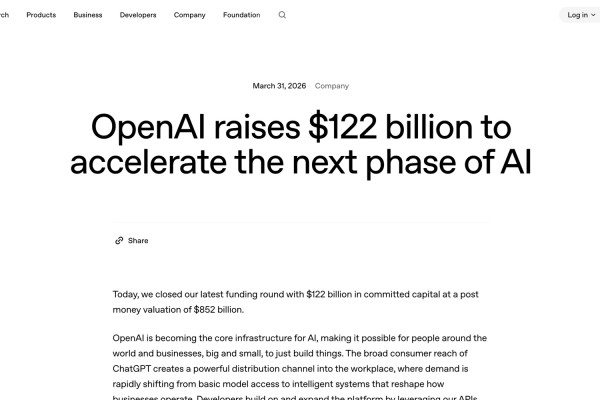
AI News | Editor: Sandy On March 31st 2026 OpenAI published an announcement of unusual weight: the c...
Read Article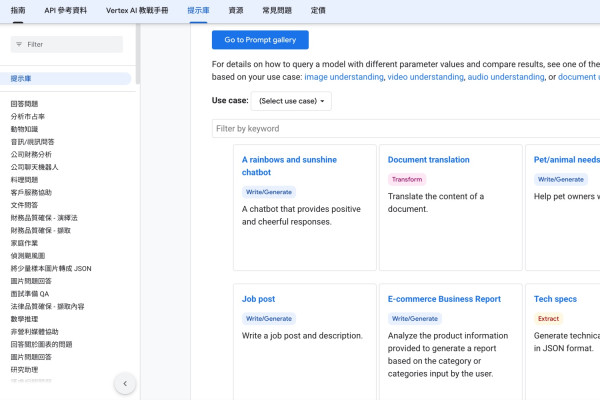
ChatGPT Applications | Edited by Jason Chen When organizations begin adopting generative AI, the fir...
Read Article
AI News | Editor: Sandy On April 8, 2026, Anthropic unveiled “Claude Managed Agents,” a release that...
Read Article
Opinion / In-depth Analysis | Editor: Sandy As generative artificial intelligence evolves from answe...
Read Article
AI News | Editor: Sandy In its latest announcement in April 2026 ( https://ai.meta.com/blog/introduc...
Read Article
ChatGPT Applications | Edited by Jason Chen In the age of social media dominance, Facebook (FB) has...
Read Article
Pimker - The AI marketing platform built for businesses
© Pimker 2026 The AI marketing platform built for businesses All rights reserved.