

CU not traffic
CU not website traffic, also not, but Pimker AI optimization and submission services when use services.
In Pimker plans, you will see numbers such as 4 CU, 40 CU, 560 CU, and 5,600 CU. CU stands for Compute Units. It measures the service workload required for AI optimization, automated analysis, page summary submission, and sitemap updates.
In simple terms, the more pages your website has, the more AI engines you want to support, and the more often the workflow runs, the more CU you typically need.
Built for teams that want more durable search visibility without chasing short-term tricks.
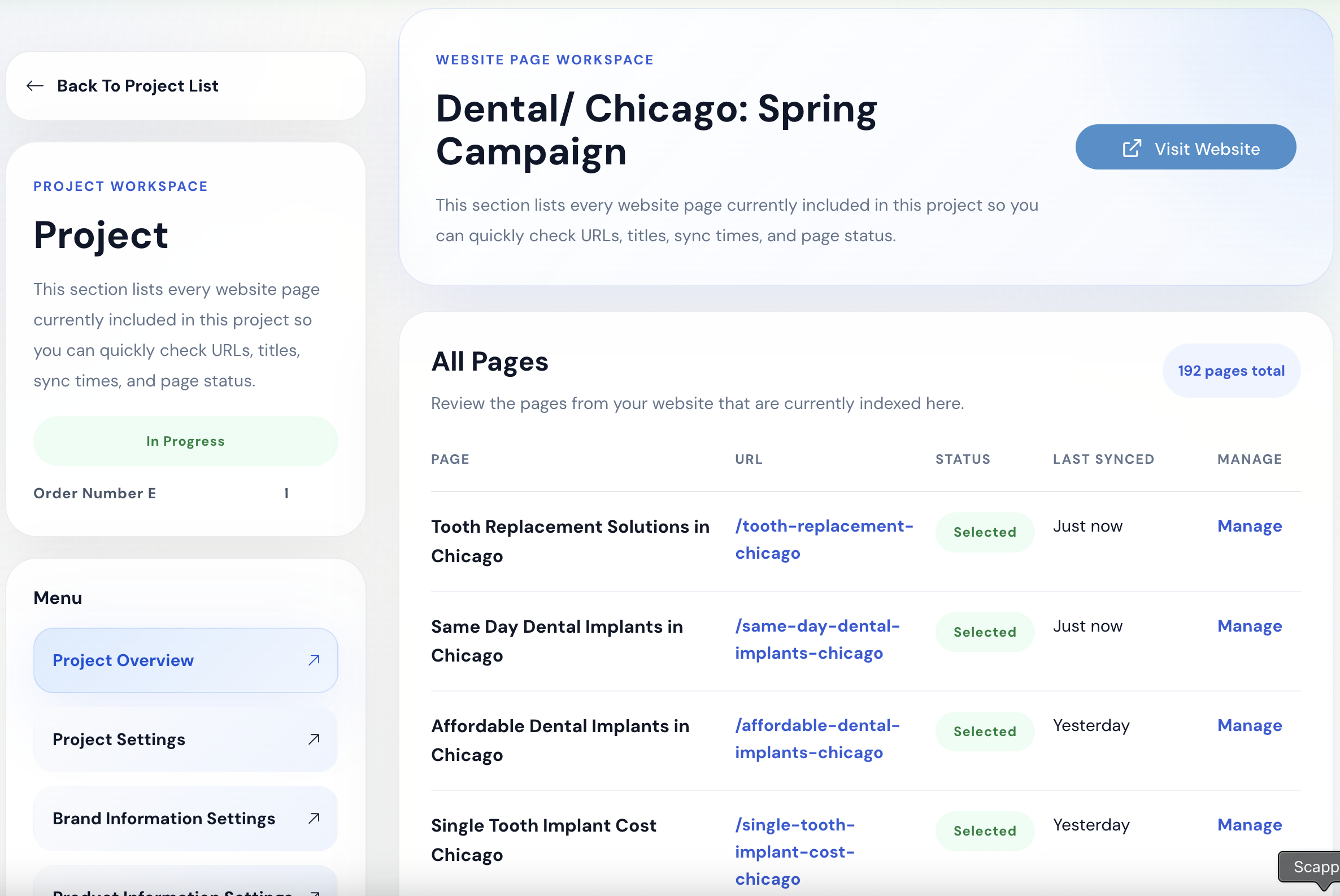
CU stands for Compute Units.
Pimker does not price only by whether a website is online or how many articles it has. Plans are based on the number of pages that need optimization, supported AI engines, execution frequency, summary submissions, sitemap submissions, and other workload factors.
CU helps you understand how many pages a plan can roughly support, how often AI optimization runs, whether multiple AI engines are included, and what website scale the plan fits.
CU not website traffic, also not, but Pimker AI optimization and submission services when use services.
CU not use, but and page analyze, need organize, search intent, Sitemap submission and continuous optimization have.
page more, AI more, high, usually need CU also more.
A small website with only a homepage and a large website with hundreds of product pages, service pages, FAQs, articles, and multilingual pages require very different amounts of optimization work.
If every website used the same price or same execution volume, small sites could overpay while large sites might not have enough resources.
CU breaks Pimker’s AI optimization workload into easier-to-understand units so plans can differ by website size, page count, and optimization frequency.
Different plans include different CU amounts, helping you quickly understand the site scale and service depth each plan supports.
Homepages or one-page websites can start with a smaller CU plan instead of paying for large-site capacity.
Websites with many pages, product lines, or daily optimization needs require more CU for higher frequency and broader processing.
CU shows that plan differences are not only price differences, but also page scope, AI engine support, and execution frequency.
Pimker CU is not used for a single action only. It supports the full AI optimization workflow, from search intent discovery and page summary organization to sitemap submission and continuous optimization.
Depending on the plan cadence, Pimker automatically discovers long-tail keywords, trends, and search intent to identify the questions customers are searching or asking.
Analyze homepages, service pages, FAQs, articles, case studies, and plan pages to decide which pages should be understood and optimized first.
Turn brand positioning, service content, FAQs, and key page information into clearer summaries that help search and AI systems understand each page.
Optimize the site for readability across supported AI engines such as ChatGPT, Google Gemini, and other AI systems depending on the plan.
Submit sitemaps on the plan cadence so search systems can discover new, updated, or important pages more easily.
Each subscription cycle includes four consecutive weeks of optimization service, so the website builds AI visibility foundations over time instead of being processed once.
When your website exceeds the recommended page range for a plan, add-on pages can bring more pages into the optimization workflow.
When choosing a plan, look beyond price and consider your website size and optimization needs. These factors usually affect how much CU you need.
A homepage or one-page site needs less CU. A site with many service pages, product pages, articles, case studies, and FAQs needs more.
Optimizing for ChatGPT only requires a different workload than supporting ChatGPT, Google Gemini, and additional AI engines.
Weekly execution and daily execution require different service volumes. Higher frequency usually means more CU.
If the site often adds articles, product pages, case studies, or service content, it needs more stable submission and update resources.
Multilingual, multi-product, multi-location, or large category websites usually require more analysis and maintenance.
When your page count exceeds a plan’s recommended range, add-on pages can expand the optimization scope.
The table below explains the CU scale behind Pimker plans. Actual prices and contents should follow the plan page; this section helps you understand which site scale each CU level is designed for.
| Plan | CU Scale | Best-fit website | Common scenario | Execution cadence |
|---|---|---|---|---|
| MINI | 4 CU | Homepage or one-page website | Testing AI optimization or optimizing one selected page first | Weekly search intent discovery, page summary aggregation, and sitemap submission |
| STARTER | 40 CU | Small sites under 10 pages | Small teams, brand websites, basic service pages, and FAQs | Weekly search intent discovery, page summary aggregation, and sitemap submission |
| PLUS | 560 CU | Small and midsize business sites under 20 pages | Higher frequency, ChatGPT + Gemini optimization, and integrated content-to-conversion work | Daily search intent discovery, page summary aggregation, and sitemap submission |
| PRO | 5,600 CU | Large websites, ecommerce, multi-site, or high page counts | Multiple product lines, large page counts, and broader AI engine support | Daily search intent discovery, page summary aggregation, and sitemap submission |
CU does not simply represent page count. It reflects page count, AI engines, execution frequency, and automated submission workload together.
For example, the same 20-page website will usually need more CU if it requires daily execution and multiple AI engines than if it only needs weekly execution and a smaller optimization scope.
If you are not sure how much CU you need, start with three questions: How many important pages does the site have? Do you need weekly or daily optimization? Which AI engines do you want to support?
If you only want to optimize a homepage or one selected page, Mini may be enough. If you have a homepage, About page, several service pages, and FAQs, Starter may fit. More complete service pages, articles, and conversion pages may require Plus. Ecommerce, large content sites, multiple product lines, or multilingual websites often need Pro or add-on pages.
A smaller site that changes infrequently can start with a weekly rhythm. If services, articles, products, or FAQs change often, a daily rhythm is usually a better fit.
If you mainly want to test ChatGPT optimization, you can start smaller. If you also want stronger visibility across ChatGPT, Google Gemini, and other AI engines, you need a higher-tier plan.
If your site has many product pages, category pages, articles, or multiple sites, start with a website audit before deciding whether to use Pro or add-on pages.
Many people instinctively treat CU as a simple “per page” calculation, but CU is not just page count.
Page count matters, but so do page summaries, submissions, AI engine coverage, weekly or daily execution frequency, and continuous optimization service.
A service page may need content analysis, summary organization, FAQ improvements, sitemap updates, and AI readability checks—not just one scan.
Homepages, service pages, product pages, FAQs, articles, and case studies have different content volume and optimization needs.
The same pages require more service volume if they are processed daily instead of weekly.
Supporting more AI engines requires a more complete readability, summary, and submission foundation.
Traditional SEO plans often price by article count, keyword count, or consulting hours. Pimker CU is closer to AI optimization service capacity, covering search intent, page summaries, AI engine optimization, sitemap submission, and continuous updates.
Article count, keyword count, consulting hours
Page count, AI engines, execution frequency, summaries, and submission workload
Keyword rankings and content production
AI readability, search intent, page summaries, sitemaps, and continuous optimization
Project-based or monthly retainer
Continuous execution based on plan CU scale
SEO rankings and organic traffic
AI search visibility, website understanding, and automated submissions
Being found in search
Being discovered, understood, and updated by search and AI systems
Not always. CU should match website size, page count, update frequency, and AI engine needs. A small site does not always need the largest plan at the start.
No. CU is not only for creating articles. It includes search intent discovery, page summaries, sitemap submission, AI engine optimization, and continuous service.
No. Page count affects CU, but execution frequency, AI engine coverage, page complexity, and submission needs also affect required CU.
Sitemap submission is only one part. True AI visibility also needs page summaries, FAQs, content structure, search intent, and ongoing updates.
Once you understand CU, you can judge your site’s AI optimization needs more clearly instead of choosing a plan based only on price or page count.
Pimker designed CU so websites of different sizes can start AI optimization in a more appropriate way instead of being forced into one-size-fits-all plans.
CU stands for Compute Units. It is Pimker’s unit for measuring AI optimization workload, including page count, AI engines, execution frequency, page summaries, sitemap submissions, and ongoing optimization.
No. Page count affects CU, but CU is also affected by supported AI engines, execution frequency, page complexity, summary submissions, and sitemap submissions.
No. CU is not just for article production. It includes search intent discovery, page analysis, summary organization, AI engine optimization, sitemap submission, and ongoing service.
Different plans fit different website sizes. Mini is for a homepage or one-page site, Starter for smaller sites, Plus for small and midsize business websites, and Pro for large sites, ecommerce, multi-site, or large-page-count needs.
Start with the number of important pages, update frequency, whether multiple AI engines are needed, and whether you have many articles, product pages, or multilingual pages. If unsure, start with a checkup or a smaller plan.
CU should be understood as the service capacity and execution specification included in a plan. Each cycle operates based on included CU, page scope, frequency, and optimization services. Actual usage rules should follow the Pimker plan page and dashboard display.
The plan page includes add-on page options. When your page count exceeds the suggested scope, you can add pages or upgrade your plan so more pages enter the optimization workflow.
If you only want to optimize a homepage or one selected page, a smaller CU plan such as Mini is usually a good starting point.
Not always, but large sites, ecommerce stores, multi-site setups, multiple product lines, or high page counts usually need more CU to support more pages, higher frequency, and more AI engines. A site audit is recommended first.
If you do not know whether to choose Mini, Starter, Plus, or Pro, start by estimating page count, update frequency, AI engine needs, and current content gaps.
Let Pimker review your page structure and AI visibility foundation to determine which CU level is a reasonable starting point.

© Pimker 2026 AI marketing software built for modern businesses All rights reserved.