

What Is CU (Compute Units)? A Simple Guide to How Pimker’s CU Works
Many people encounter CU (Compute Units) for the first time when reviewing Pimker plans and immediately ask: what exactly is CU? How does it relate to page coun
Many people encounter CU (Compute Units) for the first time when reviewing Pimker plans and immediately ask: what exactly is CU? How does it relate to page coun
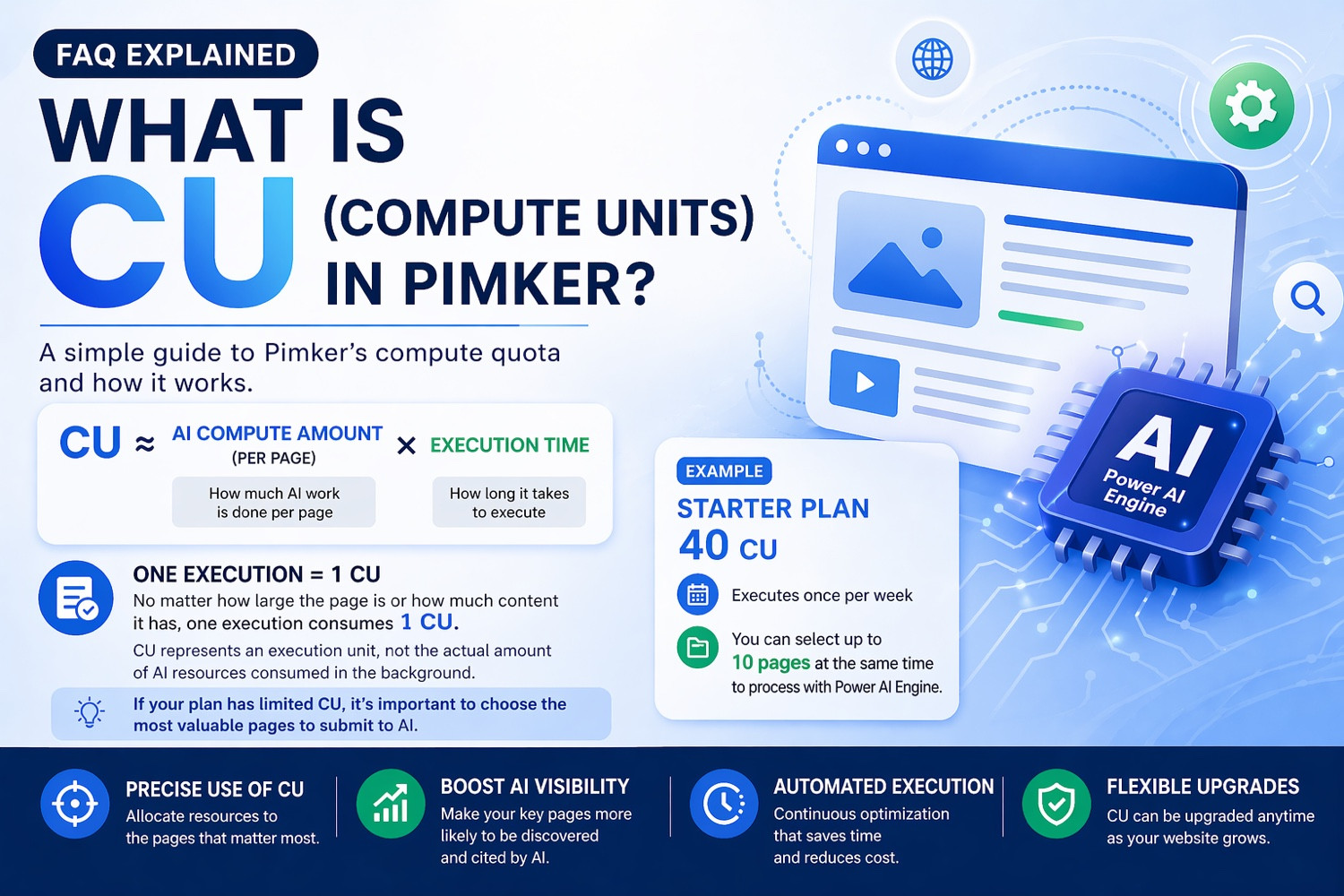
Many people encounter CU (Compute Units) for the first time when reviewing Pimker plans and immediately ask: what exactly is CU? How does it relate to page count, execution frequency, and plan size?
If you have the same question, that is completely normal. CU is not as familiar as traffic, article count, or keyword volume. But for AI optimization services, it is an important concept. Once you understand CU, it becomes much easier to see why different plans have different limits, why selecting priority pages matters, and how to choose the right plan for your business.
This article explains CU in the simplest way possible.
CU (Compute Units) can be understood as a usage unit for processing capacity inside the Pimker platform. In our FAQ, we describe it like this:
CU ≈ AI processing workload per page × execution time
However, for most users, the practical meaning is much simpler:
No matter how large a page is or how much content it has, one execution = 1 CU.
That means when you submit a page to the Power AI Engine for optimization, structuring, or submission once, the system deducts 1 CU.
This makes things straightforward. You do not need to guess whether a page with more text or more images will cost more. Just remember this rule:
1 page × 1 execution = 1 CU
That is the principle that matters most in real usage.
Some people assume CU reflects the exact technical resources used in the background. For example, a larger or more complex page should cost more CU.
But in Pimker’s practical model, we do not recommend thinking of CU as a precise engineering metric.
Instead, CU is better understood as an allocatable execution allowance.
This gives users a major advantage: you can clearly plan which pages should be processed during each billing period instead of worrying about technical complexity.
Most business owners, marketers, and website operators care more about questions like:
So the value of CU is not in describing backend complexity. It helps you use limited resources on the pages that matter most.
This directly affects your usage strategy.
When we say one page executed once consumes 1 CU, it means:
So the real factors that affect CU usage are not page length or complexity, but:
How many pages you choose, and how many times you run them.
That also means if your plan has limited CU, you should not send your entire website at once. You should choose strategically.
This is one of the most important concepts in CU planning.
Because CU is limited, the best strategy is usually not to spread it evenly across every page. Instead, prioritize the pages with the highest business value, visibility potential, or conversion importance.
For most business websites, top-priority pages often include:
These pages matter not because they have the most words, but because they best represent your brand, products, services, and commercial positioning.
So if your CU is limited, reserve it for these strategic pages first.
In other words:
Limited CU does not mean you cannot do AI optimization. It means page selection matters more.
If CU still feels abstract, think of it as a number of execution slots.
Each plan period gives you a certain number of slots. Your job is to decide which pages receive them.
For example:
So CU is not just a technical number. It is a planning tool that helps you decide:
Which pages are most worth processing this period?
That shift in thinking is valuable because on most websites, only a portion of pages create the majority of business impact.
Let’s use a common example.
Suppose you are using the Starter Plan, which includes 40 CU total. The plan is structured around one execution per week.
The easiest way to understand it is:
Starter Plan = 40 CU total. If executed weekly, you can select up to 10 pages at a time for Power AI Engine processing.
Why 10 pages?
Because the Starter Plan commonly runs over a 4-week service cycle:
This makes the logic concrete.
You do not need to think about model inference or backend computing time. You only need to know:
If the plan runs weekly, Starter is ideal for focusing on 10 important pages consistently.
Many users assume that if they have many website pages, they should process all of them.
But that is not always the most efficient strategy.
Not every page has equal value. Some pages are secondary support pages, low-traffic pages, or pages with little commercial importance.
If you spread limited CU too widely, you may dilute the optimization impact on the pages that matter most.
Especially with smaller plans, it is often better to focus on the most strategic pages first.
For example:
Improving these pages first often creates more value than lightly touching many low-priority pages.
If your CU is limited, start with these page types:
Usually the main entry point of your brand and a strong source for AI systems to understand your overall positioning.
If you offer 2–5 major services, these pages are often more valuable than secondary content.
For product-based businesses, prioritize the most representative and highest-converting product pages.
FAQ pages are not just answers. They also help AI understand your brand, services, and use cases.
Contact pages, booking pages, quote request pages, and buying-intent pages are also strong priorities.
Choose a core group of strategic pages first. As your business grows, you can always upgrade later.
Many business owners worry that smaller plans do not include enough CU.
But for many companies starting AI optimization, the real issue is not insufficient CU. It is not identifying the right pages first.
If your homepage, service pages, FAQ pages, and brand positioning pages are still unclear, even more CU may not create better results immediately.
AI optimization is not only about quantity. It is also about priority.
Ask yourself:
Once those pages are selected correctly, even a smaller plan can create strong value.
As your website expands, adds more service pages, more FAQs, or faster content updates, your original CU allowance may no longer be enough.
That does not mean the smaller plan was bad. It means your business has grown.
That is actually a positive sign.
CU can also help indicate your business stage:
The most useful way to understand CU at Pimker comes down to three ideas:
Regardless of page size or content length.
Use CU on your homepage, service pages, FAQ pages, and product pages first.
A clear real-world benchmark for planning usage.
So when you see CU again, do not overcomplicate it. Just think of it as:
The AI execution allowance I can allocate to my most important pages this period.
Once you understand that, CU is no longer just a term on a pricing page. It becomes a practical tool for smarter page selection and better resource allocation.
If your CU is limited, that is okay. Choosing the right pages is usually more effective than trying to process too many pages at once.
For most business websites, the pages most worth sending to Power AI Engine are not every page on the site—but the key pages that best represent your brand, services, and conversion value.

Leave your name and email to receive future blog updates and product insights.
How Does AI Understand Your Brand? Your website may already explain your company, services, case studies, and contact information. But that does not mean potential customers will find you on Google, or that your brand wi...
Read Article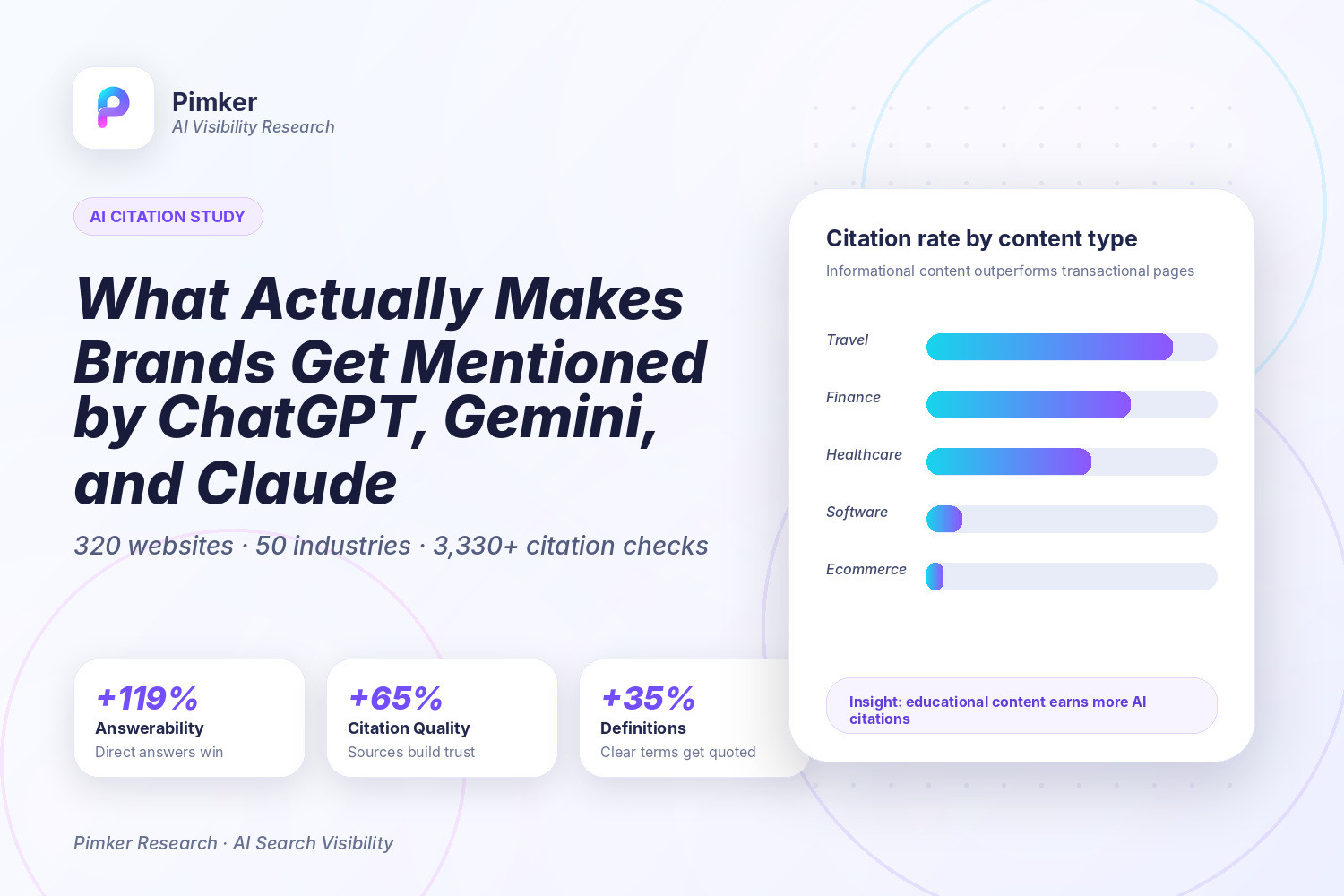
Over the past three months, Pimker ran a three-phase study on AI citations: 320 websites, 50 industries, and more than 3,330 citation checks across ChatGPT, Gemini, and Claude. The goal was simple: understand what kinds...
Read Article
AI search is a way of using artificial intelligence to help people find information, understand a question, and turn scattered sources into a clear answer. Traditional search usually gives you a list of web pages. You ty...
Read Article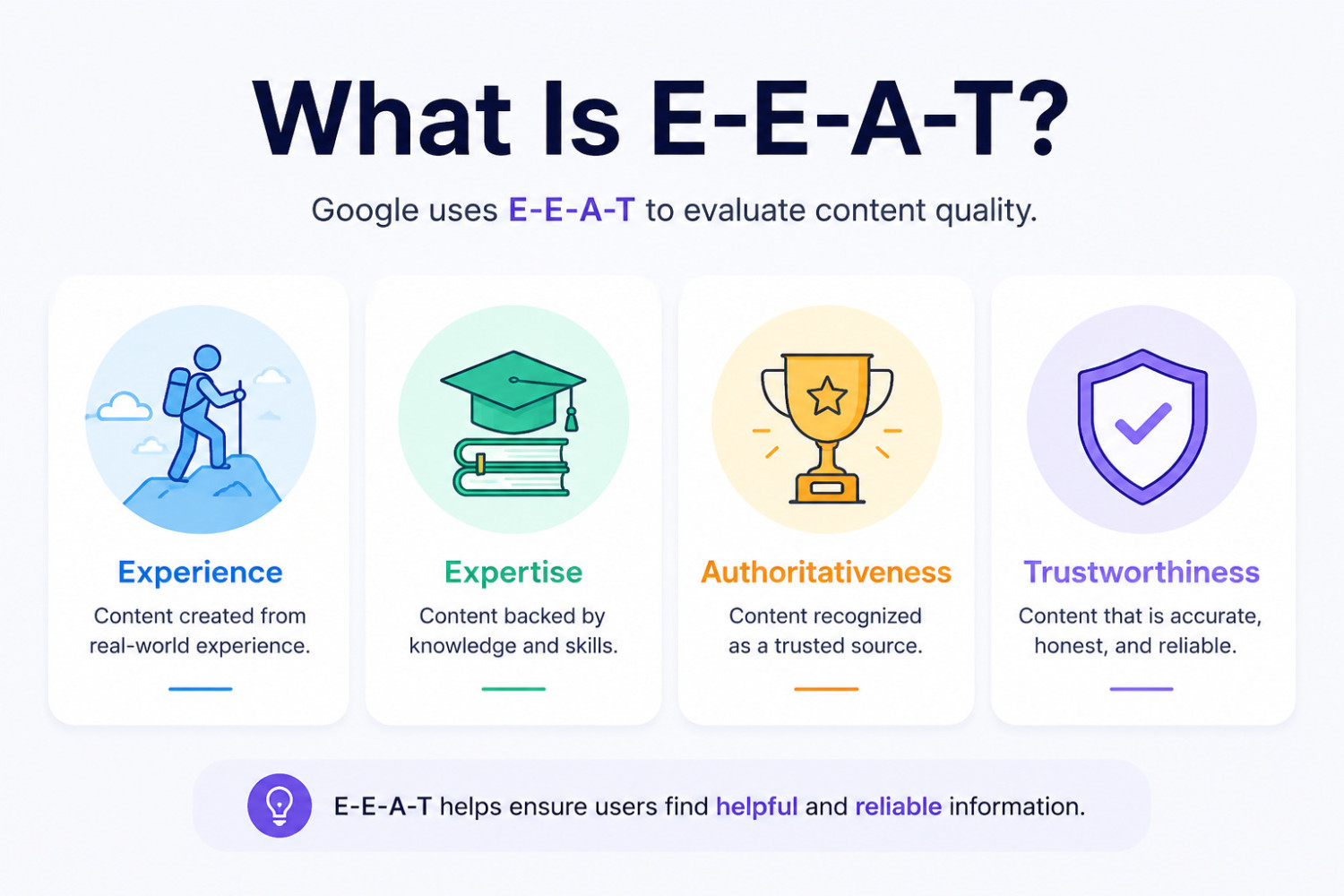
E-E-A-T is a concept Google uses to evaluate content quality. It stands for Experience, Expertise, Authoritativeness, and Trustworthiness. In simple terms, E-E-A-T is not about stuffing a page with keywords. It is about...
Read Article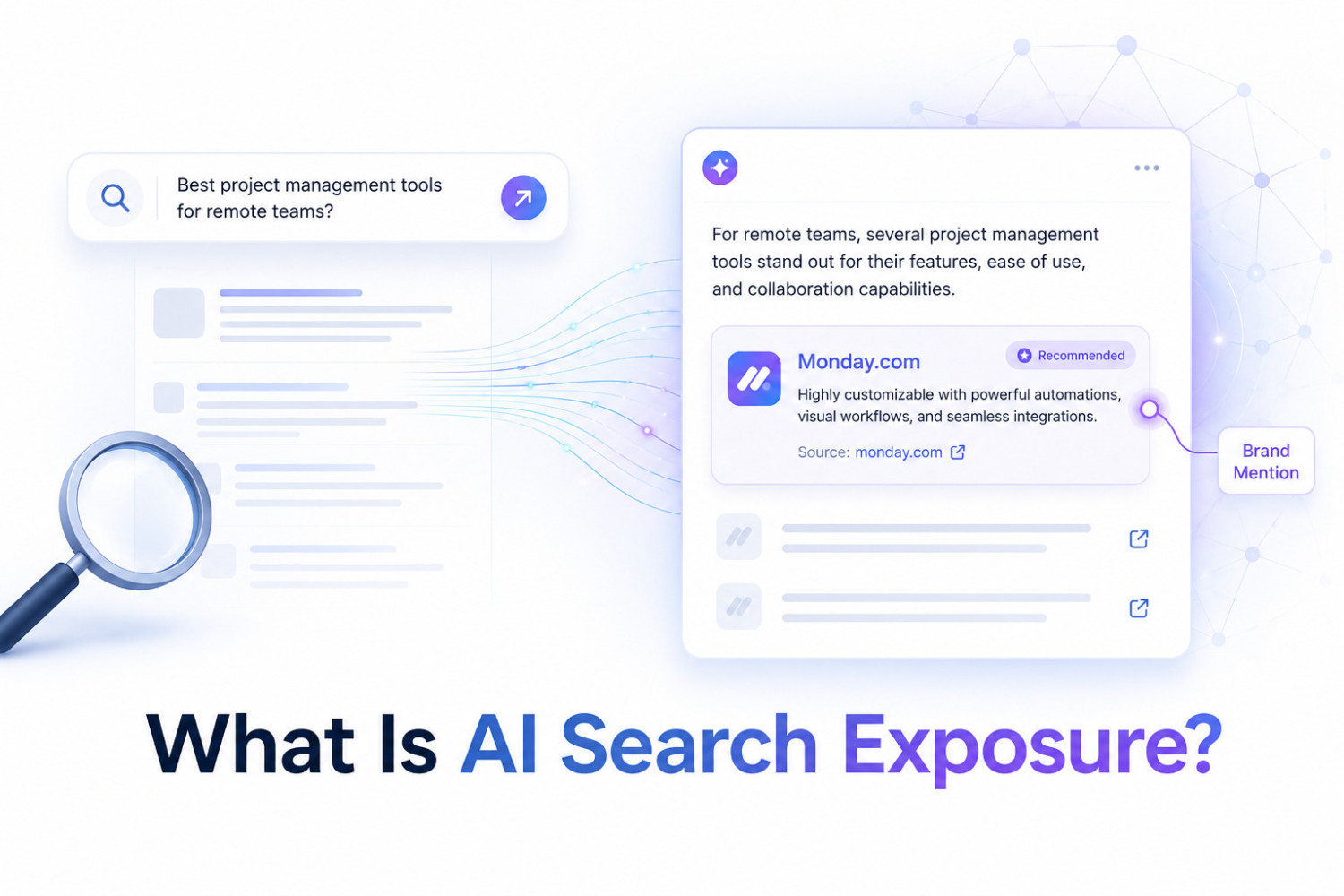
AI search exposure means the chance that your brand, website, product, service, or content appears inside answers generated by AI search tools. These tools may include ChatGPT, Gemini, Claude, Perplexity, or AI-powered a...
Read Article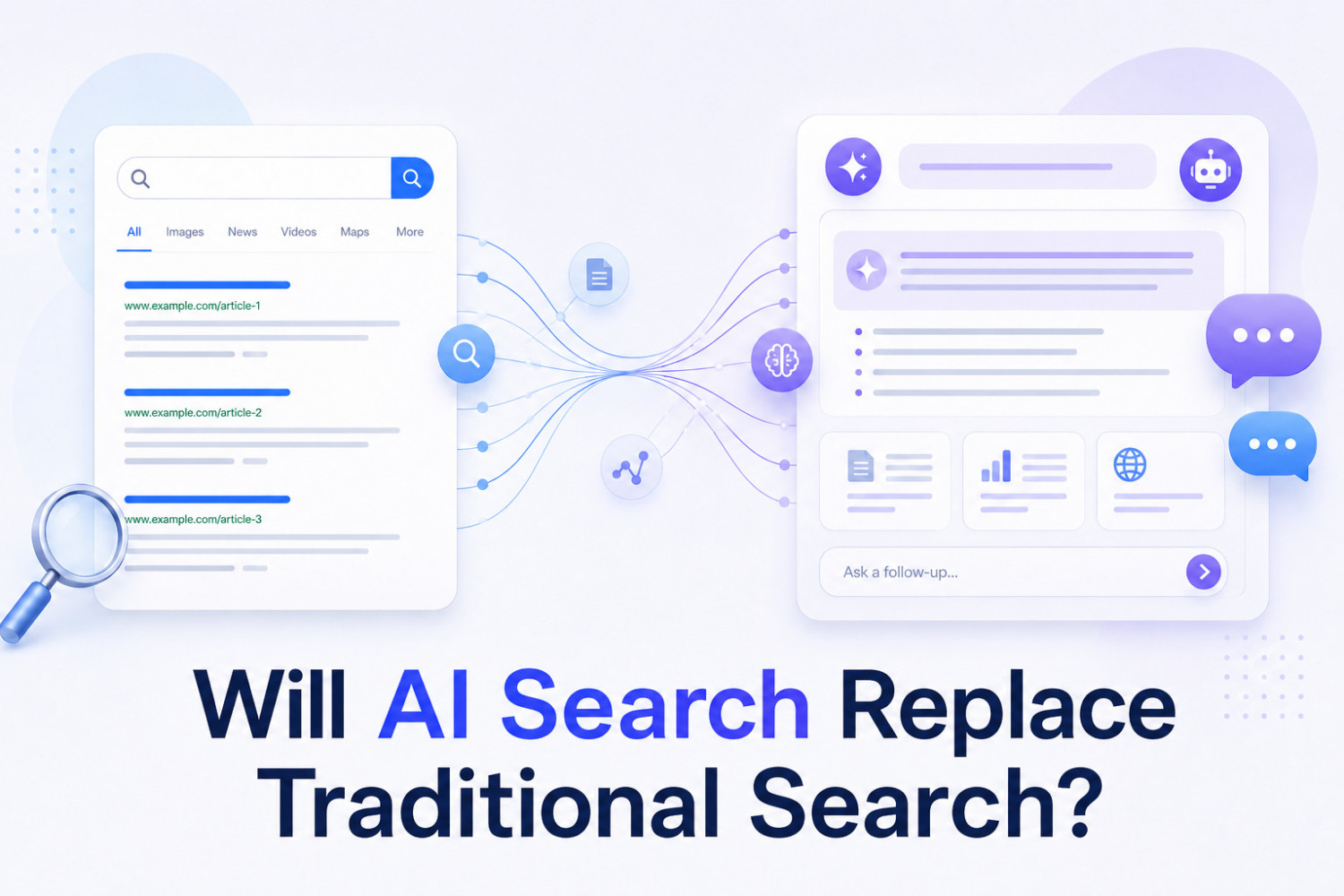
AI search probably will not completely replace traditional search, but it will change how many people look for information. A more realistic way to think about it is this: people will use both AI search and traditional s...
Read Article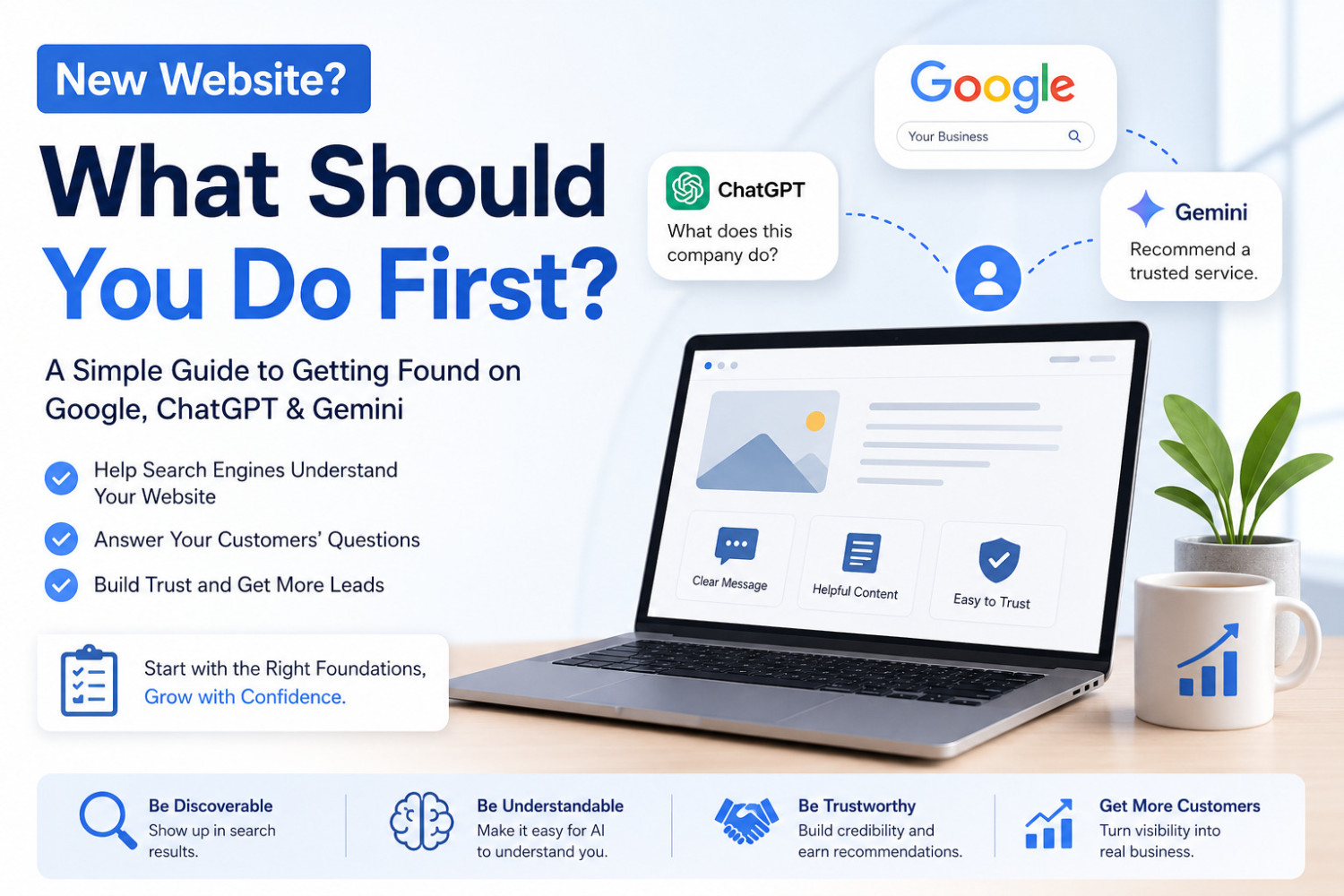
When a new website goes live, many businesses assume, “Now that the site is done, customers should start showing up over time.” But in reality, Google may not find you easily, and ChatGPT or Gemini may not know whether y...
Read Article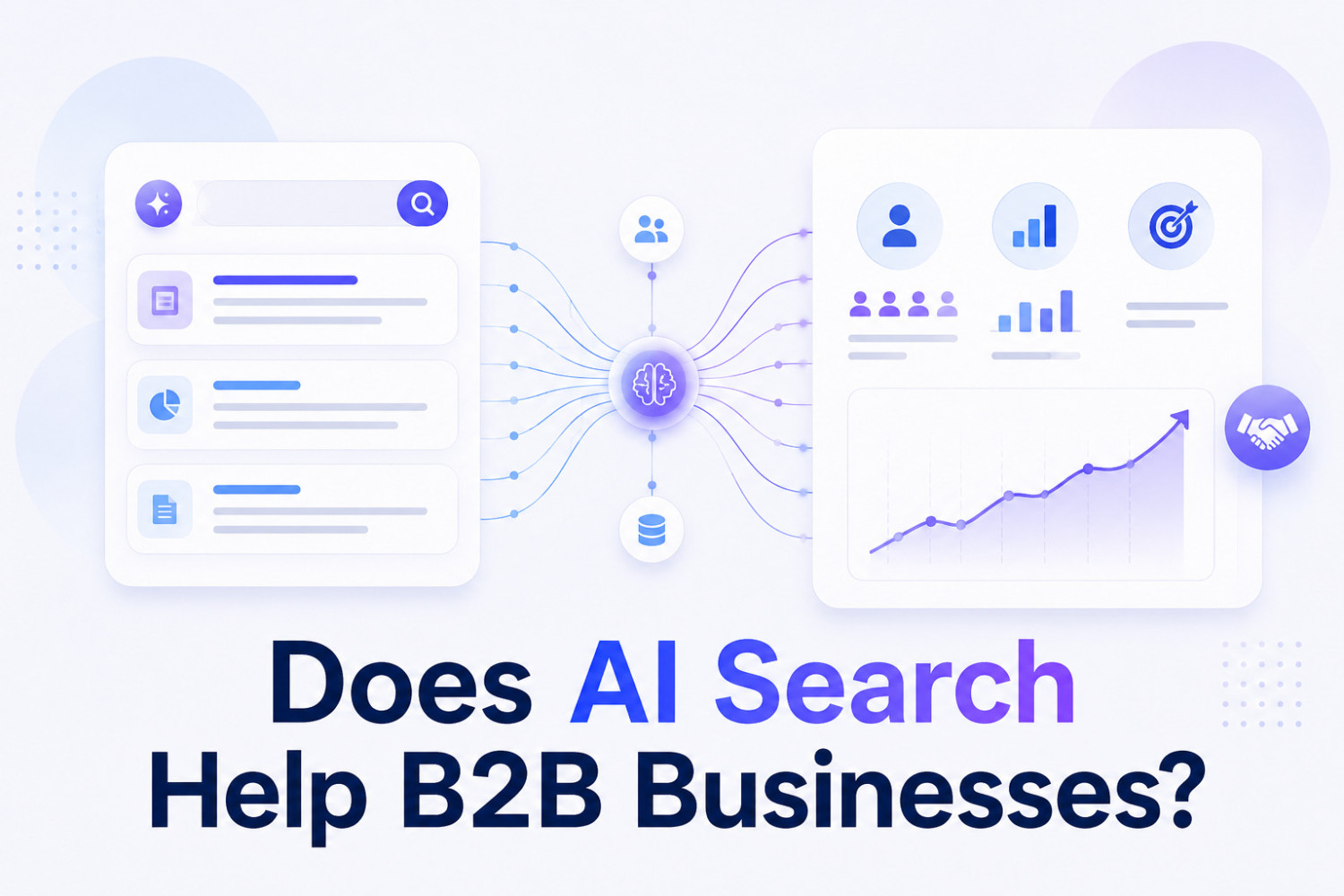
Yes. AI search can be very helpful for B2B businesses, especially when the product or service is expensive, complex, or takes a long time to buy. The reason is simple: B2B buyers usually do a lot of research before they...
Read Article
Yes, they often can. Even if the mini plan mainly optimizes your homepage, once that homepage becomes easier for AI search engines, ChatGPT, Gemini, Claude, and other LLM systems to understand and trust, the other pages...
Read Article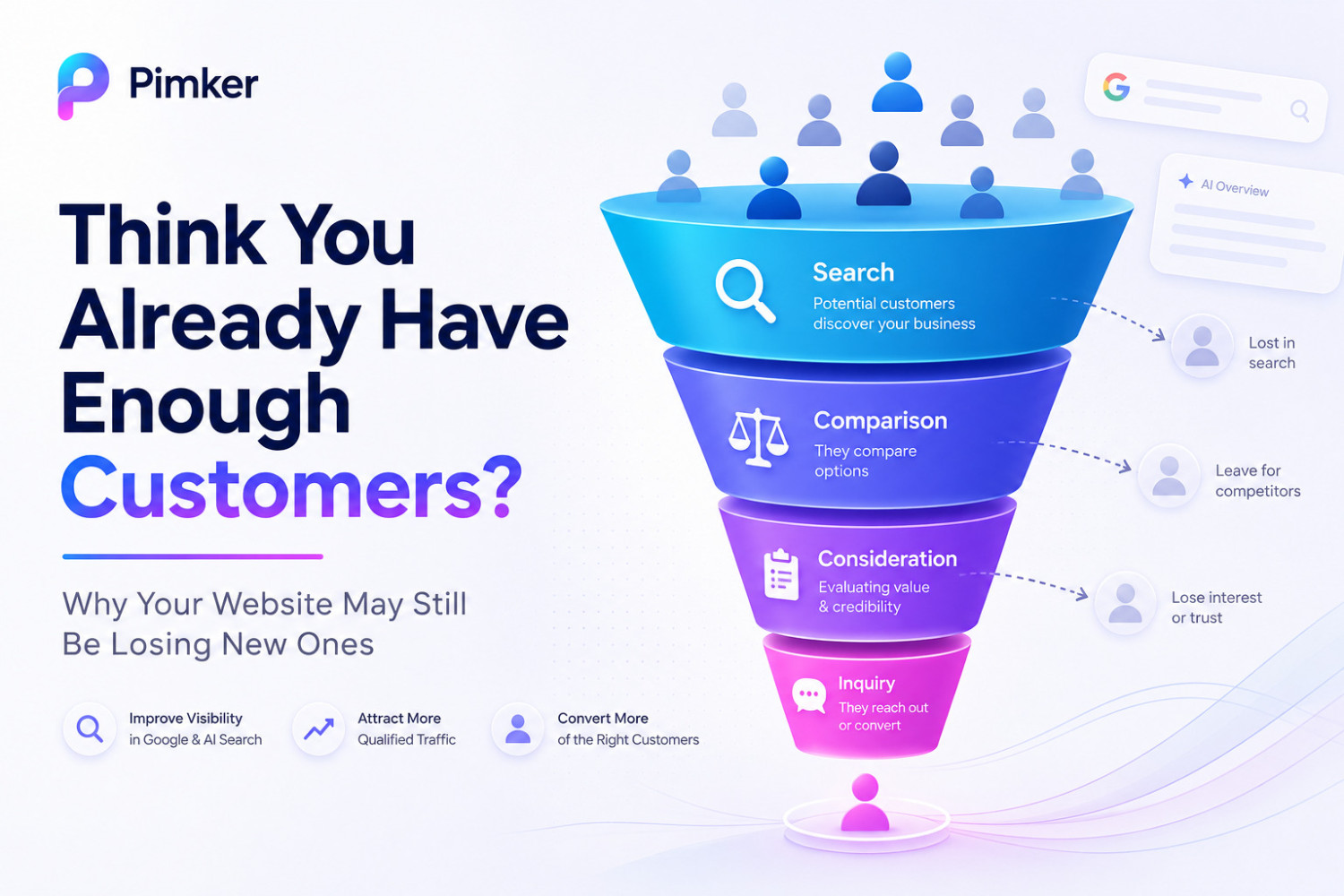
Many business owners think, “We get phone calls. People fill out our contact form. We probably have enough leads.” But the real problem does not always happen after a customer contacts you. It often happens before they e...
Read Article
Yes, AI answers do affect website traffic, and the impact is becoming more noticeable. In the past, users often searched a keyword, clicked through several websites, and pieced together the answer themselves. Now, they m...
Read Article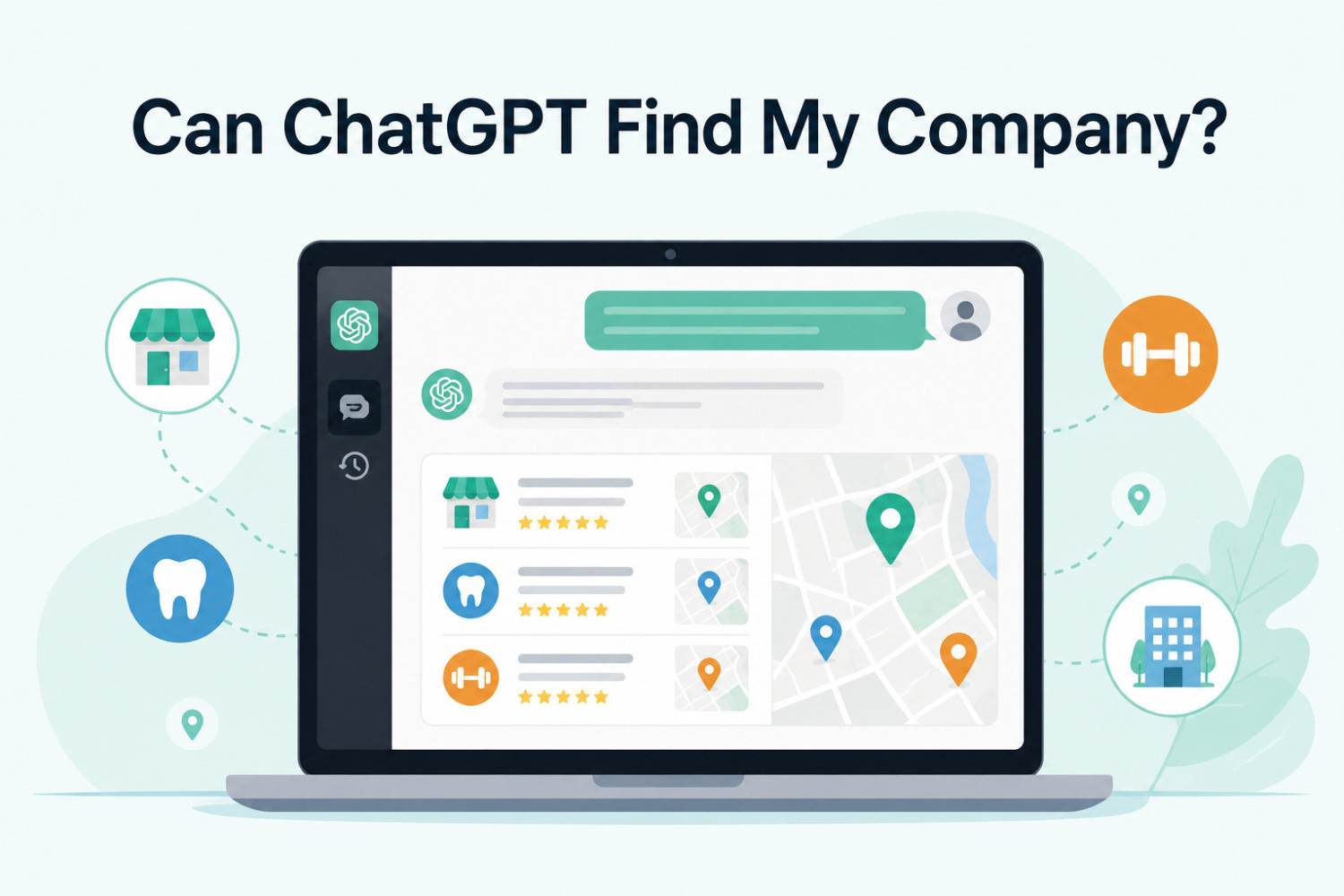
ChatGPT may not be able to find your company automatically. The more accurate answer is this: if your company has clear, trustworthy, publicly available information online, and that information is easy for AI systems to...
Read Article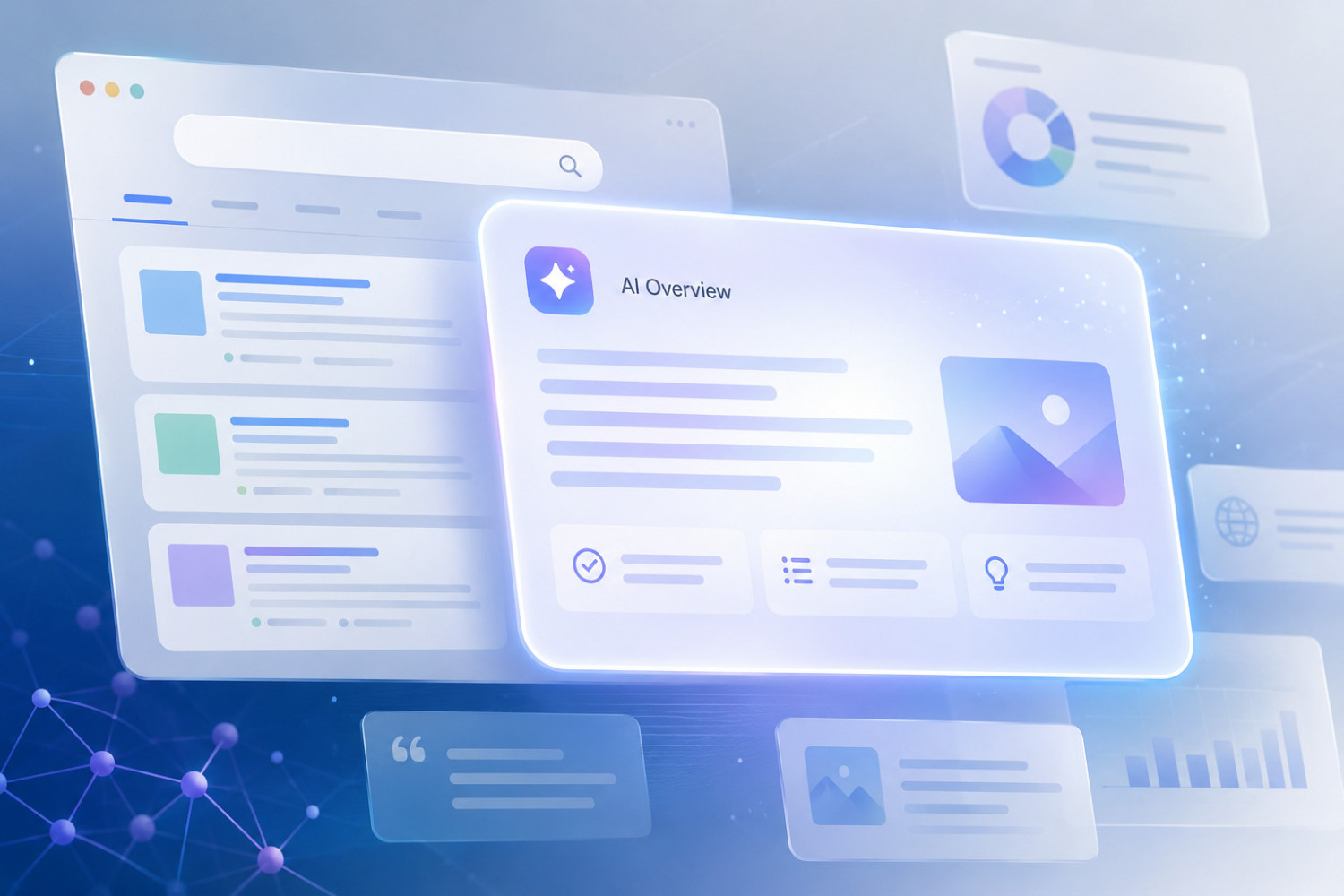
Google search results are starting to look more like AI answers because Google is moving from “showing a list of webpage links” to “understanding your question, summarizing the key points, and then showing useful sources...
Read Article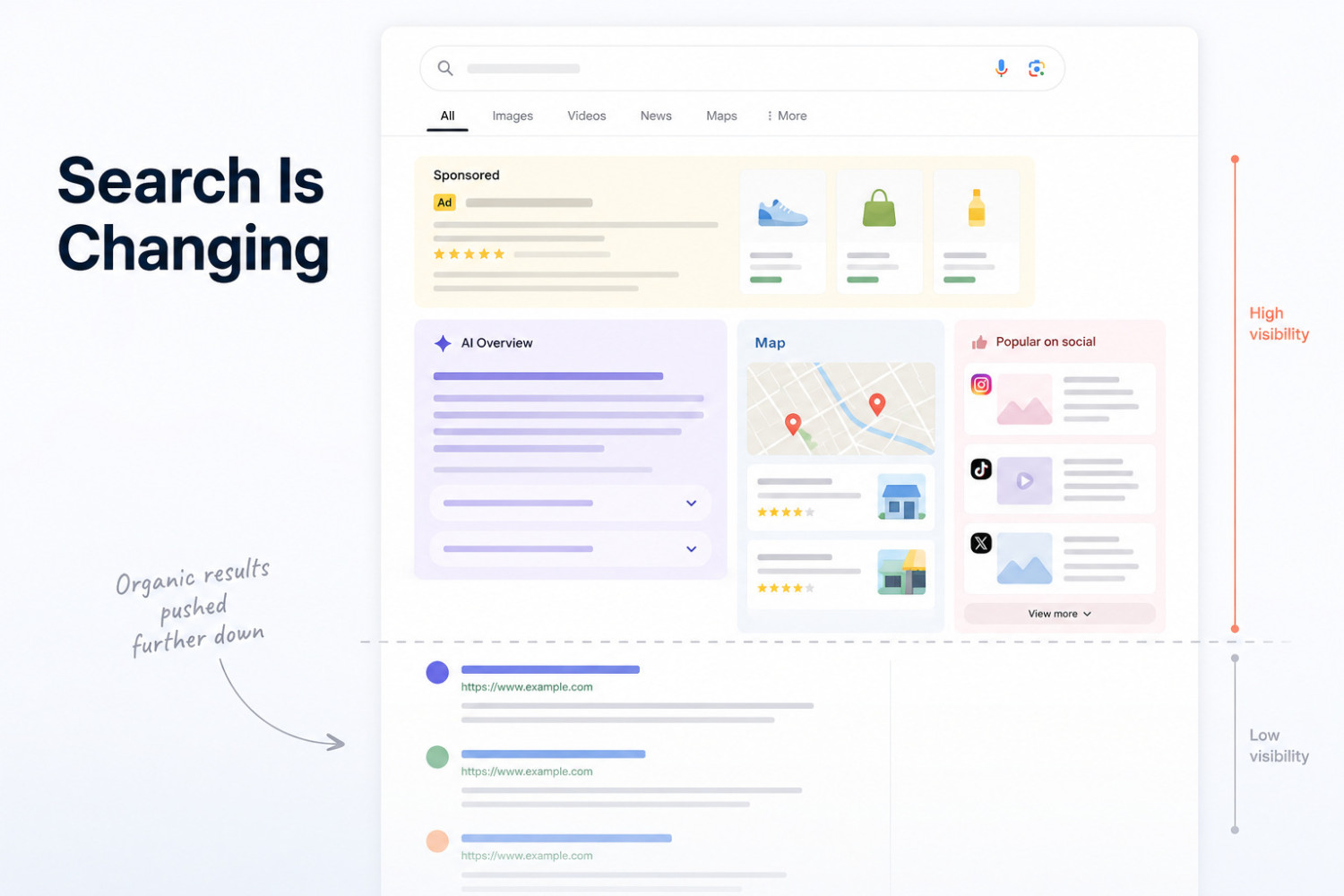
SEO alone may not be enough because people no longer rely only on traditional Google search results to find answers. They also use ChatGPT, Gemini, Google AI Overview, social platforms, and review content to make early c...
Read Article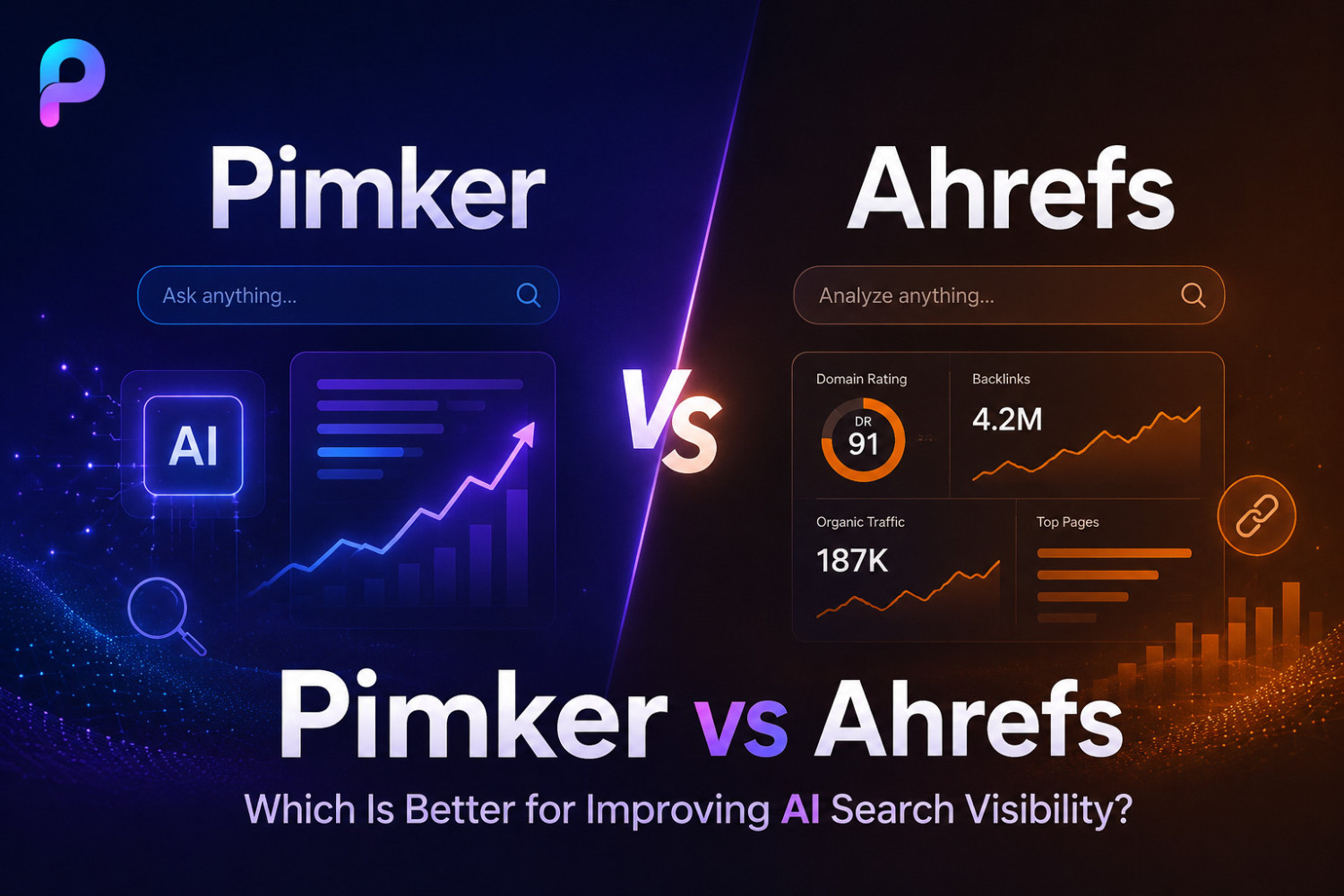
If your goal is traditional SEO research, keyword discovery, backlink analysis, and Google rank tracking, Ahrefs is the better fit. But if your goal is to help ChatGPT, Gemini, Claude, Google AI Overview, and other AI an...
Read ArticleWe make your brand easier for AI to discover and recommend. From brand positioning and content structure to a strategic update cadence, Pimker turns your website into a system that supports long-term visibility.
Contact Us

© Pimker 2026 AI marketing software built for modern businesses All rights reserved.